No-code/Low-code

Business builds processes on its own — no requests to IT

On the no-code Creatio platform, your team creates forms, processes and applications on their own. Without writing code. Without waiting weeks for changes.
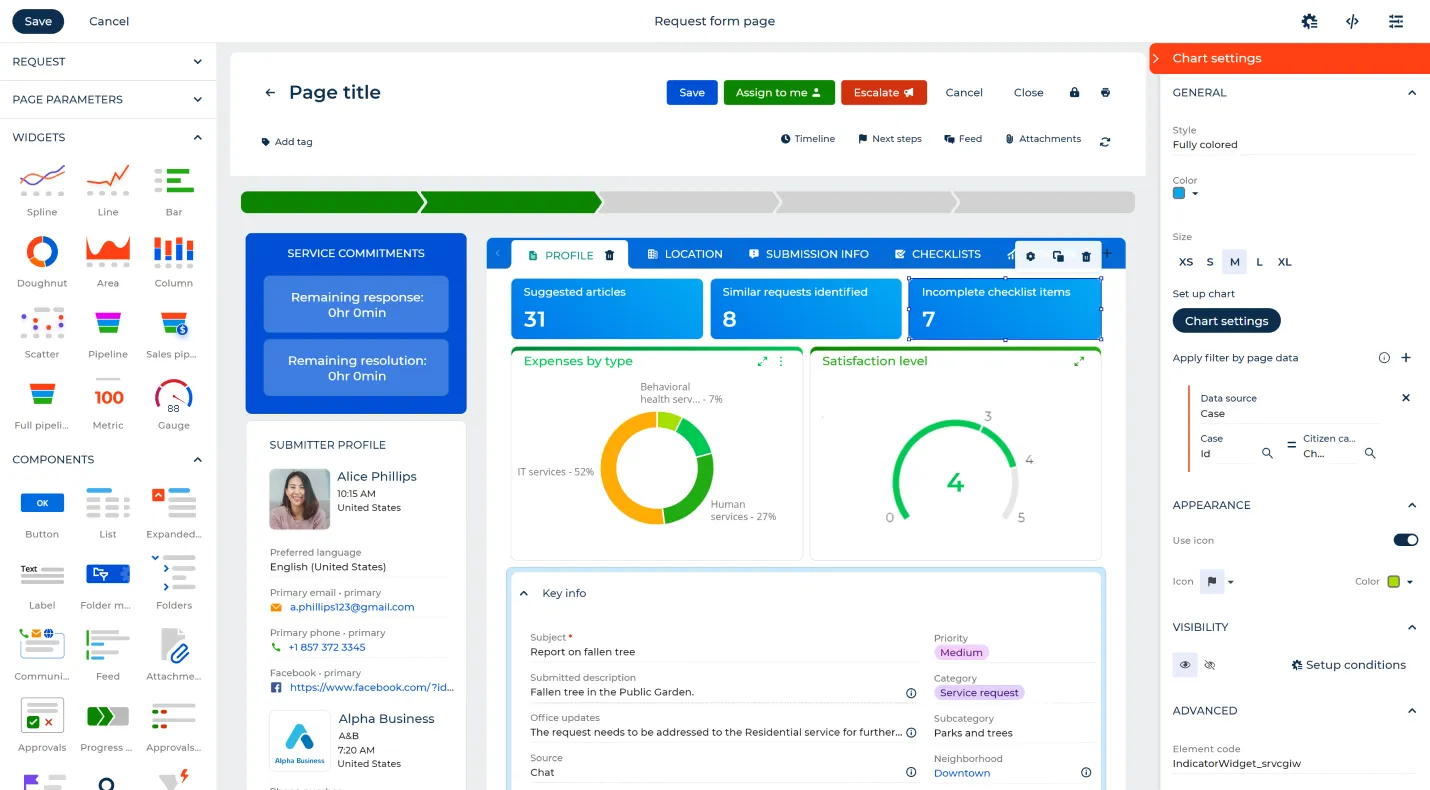
Form ready in 10 minutes, not in 3 weeks
Business process change — without a programmer
IT maintains full control and security
Open API — integrates with any system
A dashboard interface for managing service requests with widgets for service commitments, submitter profiles, expenses by type pie chart, satisfaction level gauge, and request details including subject and category.
Why no-code?

No-code versus traditional IT approach

Facts, not buzzwords. A compilation of realistic scenarios in a typical company of 100-500 people.

Traditional IT/Programming
No-code Creatio with Optingo
Time to change the process
✗ 3—6 weeks
Ticket → analysis → dev → tests → deploy
✓ 1—2 days
Business changes itself in a visual designer
Who can make changes
✗ Developer only
Knowledge of code and architecture required
✓ Business Analyst
After 2–3 days of training, they work independently
Cost of change
✗ PLN 5,000—20,000+
Dev hours + PM + testing
✓ Included in the license
No additional costs for modifications
Time for MVP
✗ 6—18 months
Design, architecture, acceptance tests
✓ 6—8 weeks
The first working system in the hands of the user
Risk of vendor lock-in
✗ High
Own code = difficult migration, dev dependency
✓ Low
Open API, data export, self-hosting
For whom

Who uses no-code in the company?

Not just IT. No-code gives independence to the entire organization — every department can work faster.

Operations
Chief Operating Officer
Chief Operating Officer/VP of Operations
Standardizes processes without IT involvement
Sees the KPIs of each process on an ongoing basis
Reacts to bottlenecks before they become a crisis
Sales
Sales Manager
Sales Director/Sales Manager
Adapts the sales funnel to its methodology
Adds fields and filters without reporting to IT
Creates reports and dashboards independently
IT/Admin
CRM Administrator
CRM Administrator/Business Analyst
Configures the system without writing code
Manages permissions and data structure
Integrates systems through ready-made connectors
IT/Security
IT Director/CTO
IT Director/CTO
Keeps control of security
Defines no-code boundaries for business
Relieves the dev team from repetitive tasks
What you can build

9 Things You Can Build Without Code

Each of these elements — ready in hours or days, not weeks.

📋
Business Forms

Drag-and-drop forms with validation, nested fields, and conditional logic. No HTML, no JS.

Approval processes

Multi-level approvals of contracts, orders, requests with routing and escalation.

🔔
Notifications and Alerts

Email, push, SMS — triggered by events in the system, without writing triggers.

📊
Dashboards and reports

Constructor of analytical views — charts, tables, KPIs — configured by the business.

🔗
API integrations

Ready-made connectors for 100+ systems. Own REST integrations without writing integration code.

Business rules

Conditional logic, calculations, validations — configured by analysts without dev.

📱
Mobile Apps

Mobile views generated automatically from the desktop configuration.

📄
Document flow

PDF generation, e-signatures, content verification — integrated into the process.

🌐
Client Portals

Self-service portals for customers — order status, requests, history.

Security and governance

No-code does not mean
bez nadzoru IT

Worried the business might configure something dangerous? IT retains full control over what non-developers can change.
🔐
Role-Based Permissions (RBAC)
IT defines which objects and fields a business can edit. The rest is blocked.
IT approves publication
Process and form changes must go through the acceptance cycle — before they go into production.
🔗
Full audit log
Every configuration change is logged — who, when, what changed. Compliant with GDPR and ISO 27001.
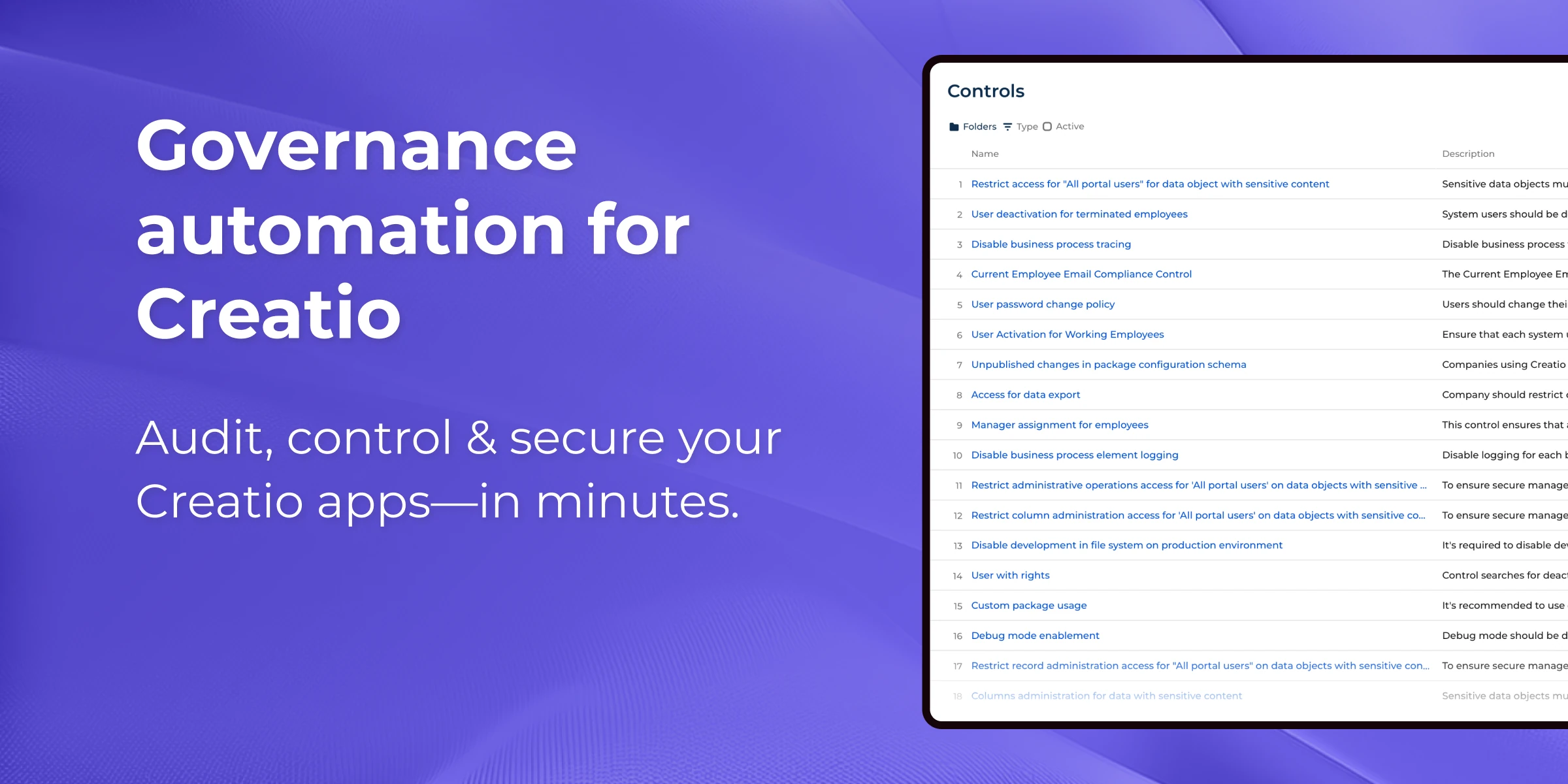
Een scherm van een lijst van beheer voor Creatio, waaronder toegangsbevolen, gebruikersactivatie en process-logging op een purple gradient bakgrondheid met tekst over beheer automatisering voor Creatio apps.Le dashboard de la homepage de Gouvernance vous et résolvable pour la production et non de production, les trends par jour, et la état de connexion des environnement.

200+

no-code processes implemented by customers

2-3 days

learning time for business user after training

95%

adoption rate among end users

40%

lower own cost vs traditional CRM implementation
Ready to Deploy Faster?

Ready to give to business
Real independence?

Schedule a free 30-minute demo. We'll show Creatio no-code live — on your use cases

No commitment
Live demo on Creatio
We respond in 24h